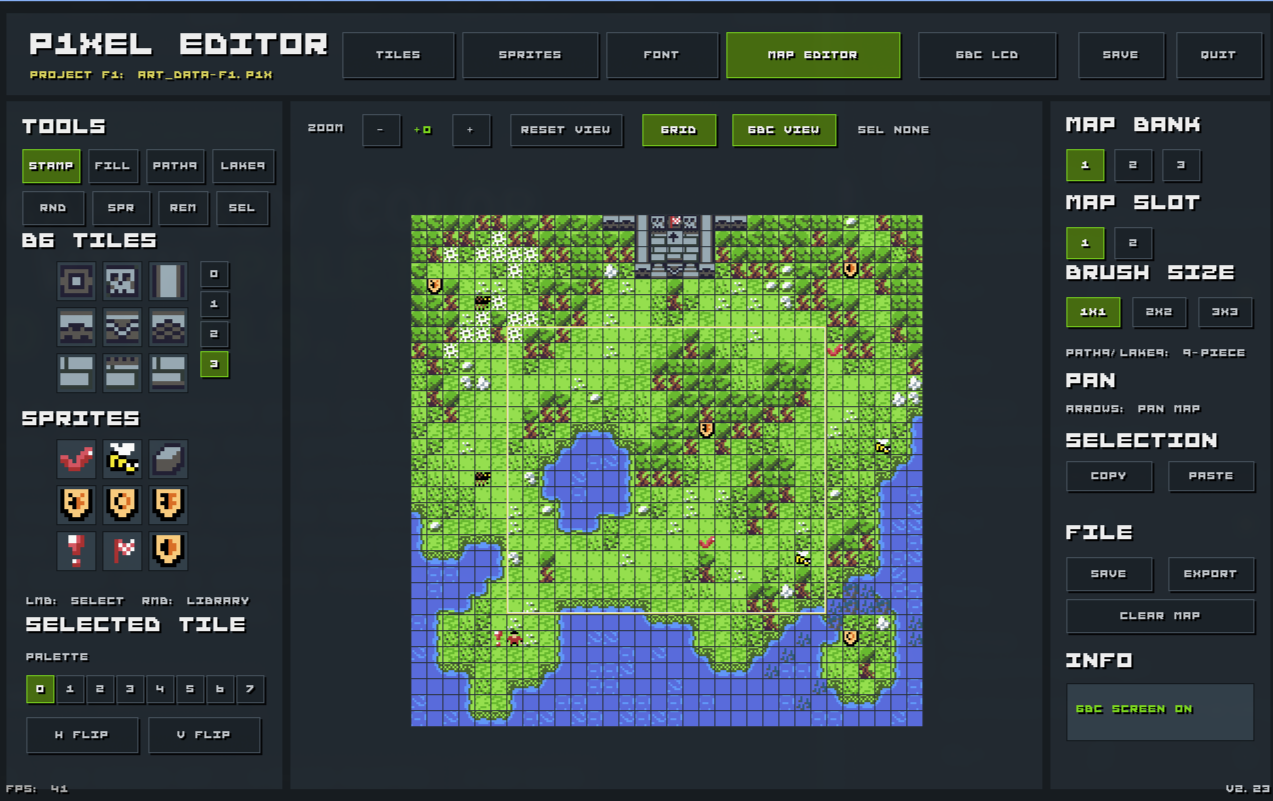
P1Xel Editor
Indexed pixel-art editor for Game Boy Color development
Indexed pixel-art editor for Game Boy Color development
Built with Zig on the Borowik Engine by Krzysztof Krystian Jankowski. Designed for compact retro game workflows: 8×8 indexed images, separate palette editing, maps from tile IDs, and direct export to GBC / RGBDS.
Native shareware builds — fully functional editor. Same tools, same export. The only difference from the full version is a 5-second startup delay.
Native build for 64-bit Linux desktops. Steam Deck compatible (Desktop Mode).
⬇ Download Linux shareware
p1xel-editor-shareware-linux-x86_64
Recommended build for modern 64-bit Windows PCs.
⬇ Download Windows 64 shareware
p1xel-editor-shareware-windows-x86_64.exe
Also available: Windows 32-bit shareware build for older systems.
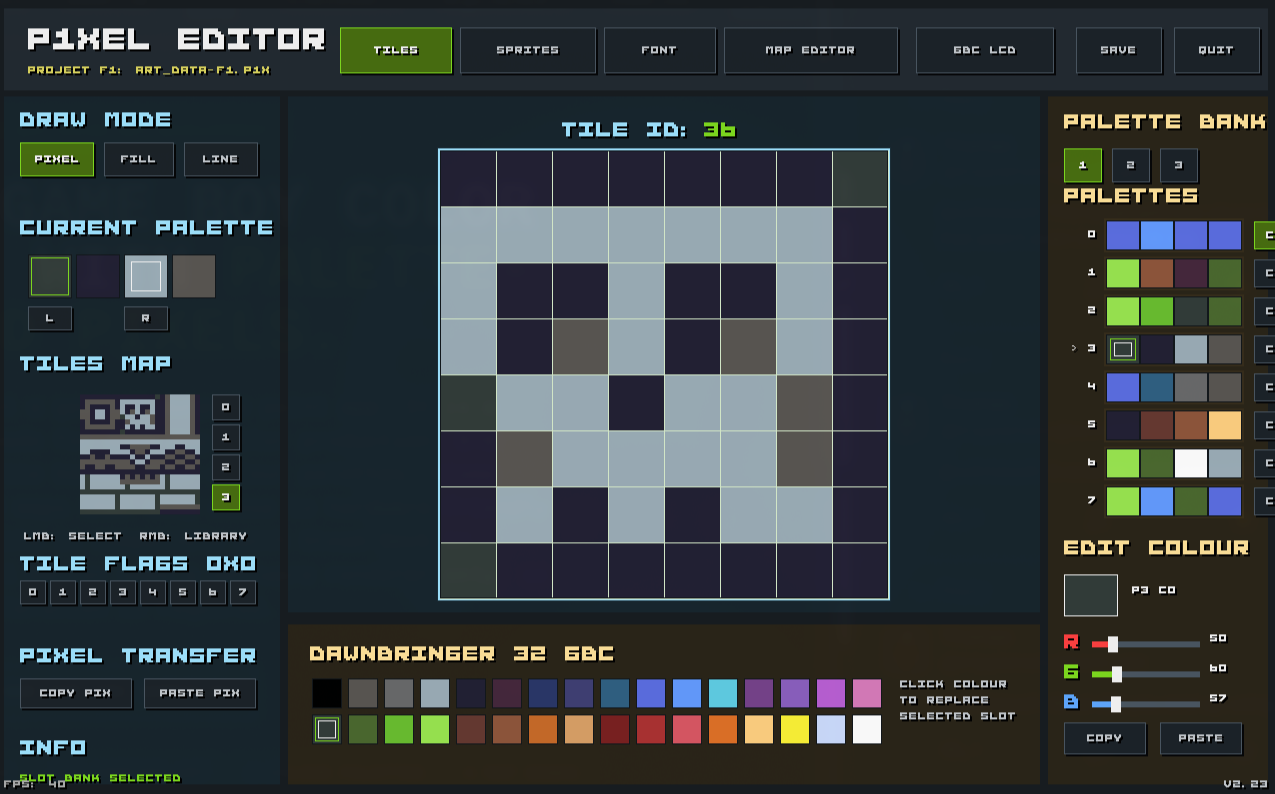
| Tile editor | 8×8 pixel, fill, and line tools for background tiles. |
| Sprite editor |
8×8 transparent sprites with colour-index 0 as
transparent and abstract per-sprite flag bits.
|
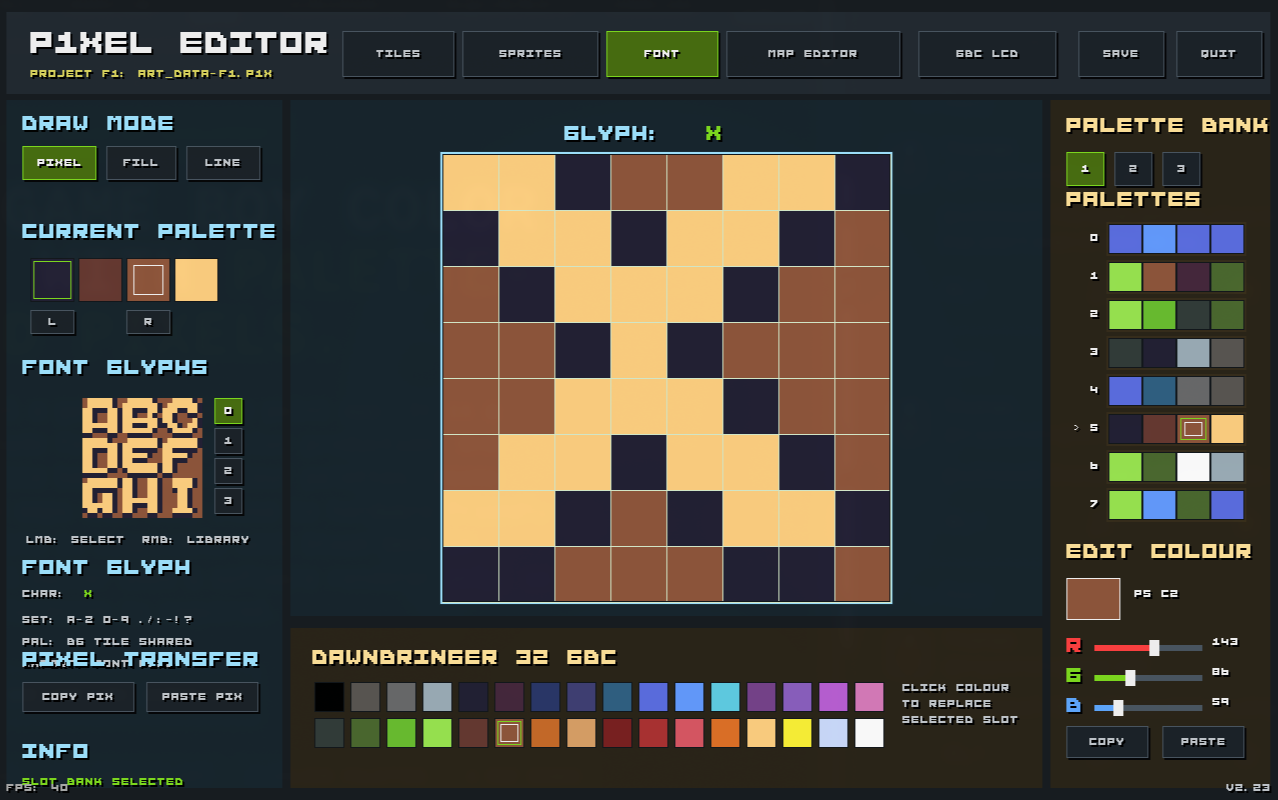
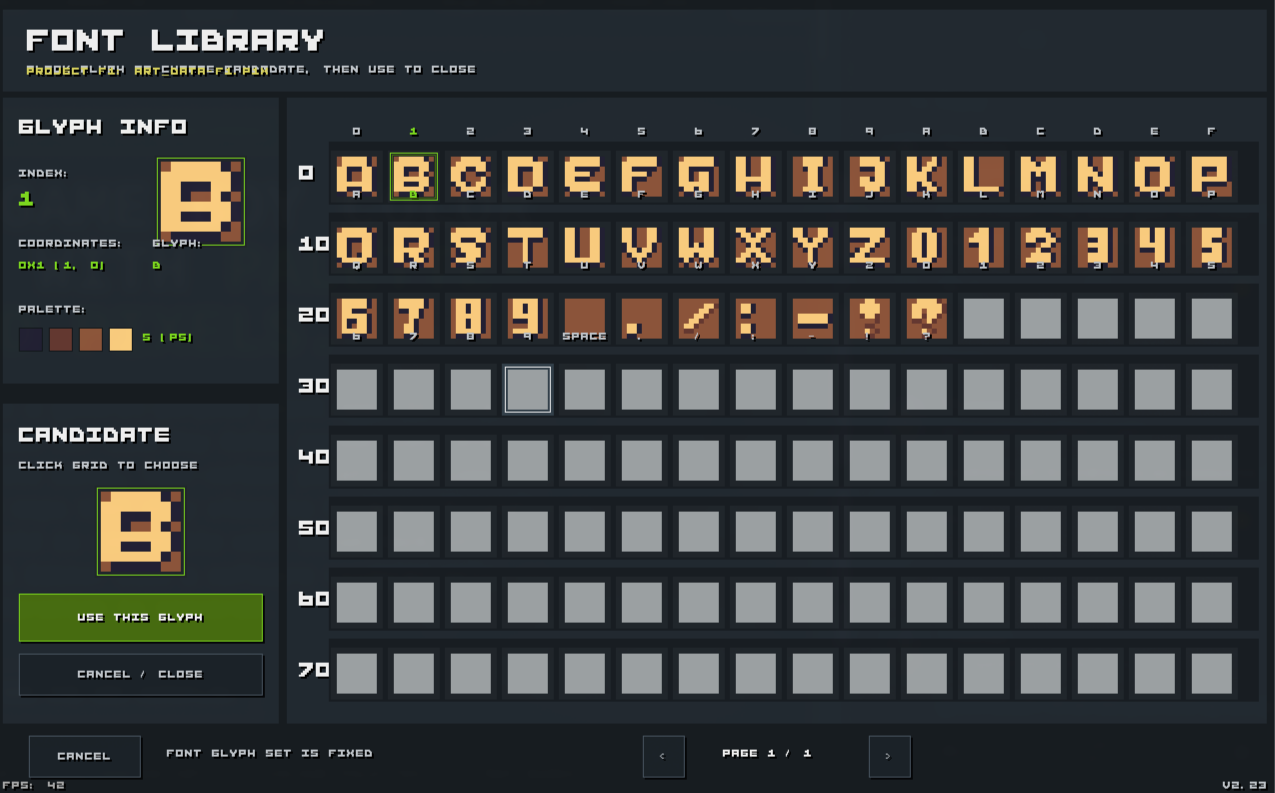
| Font editor | Edit the built-in exported glyph set — also 8×8 indexed images. |
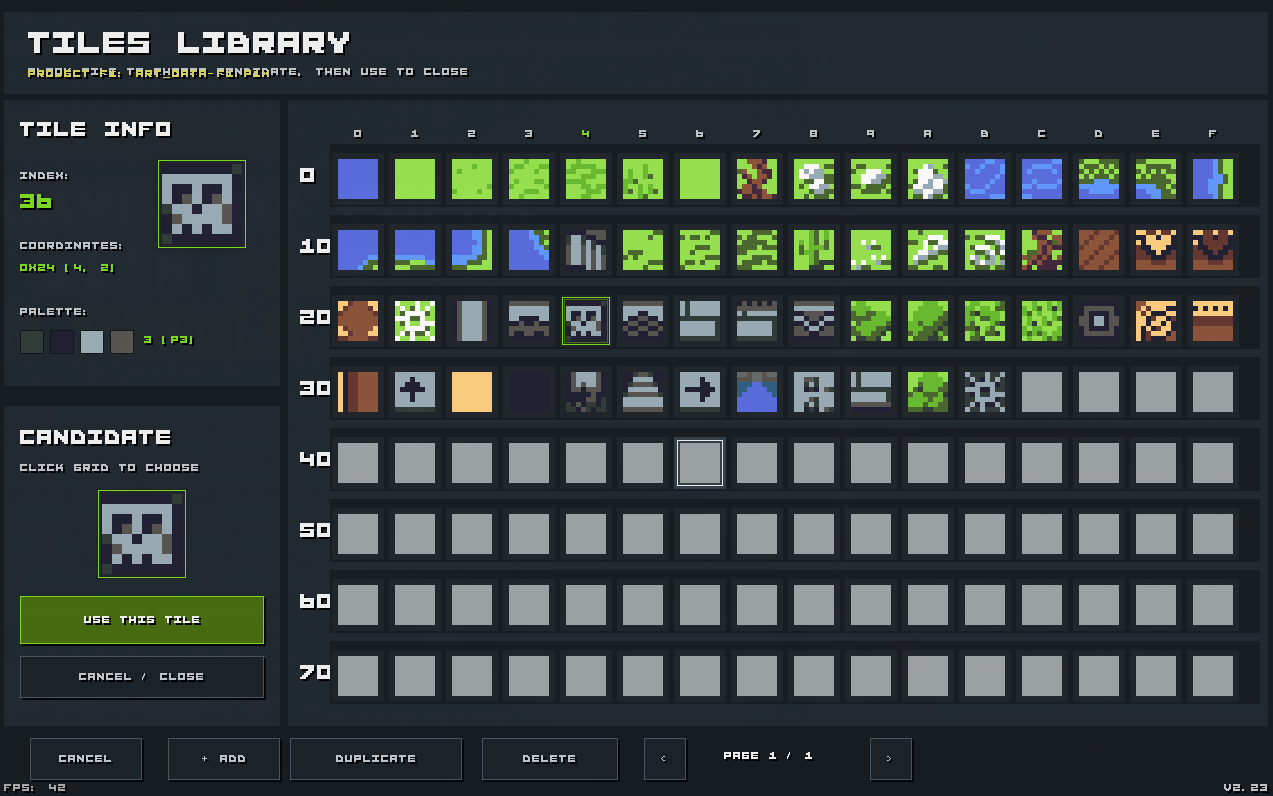
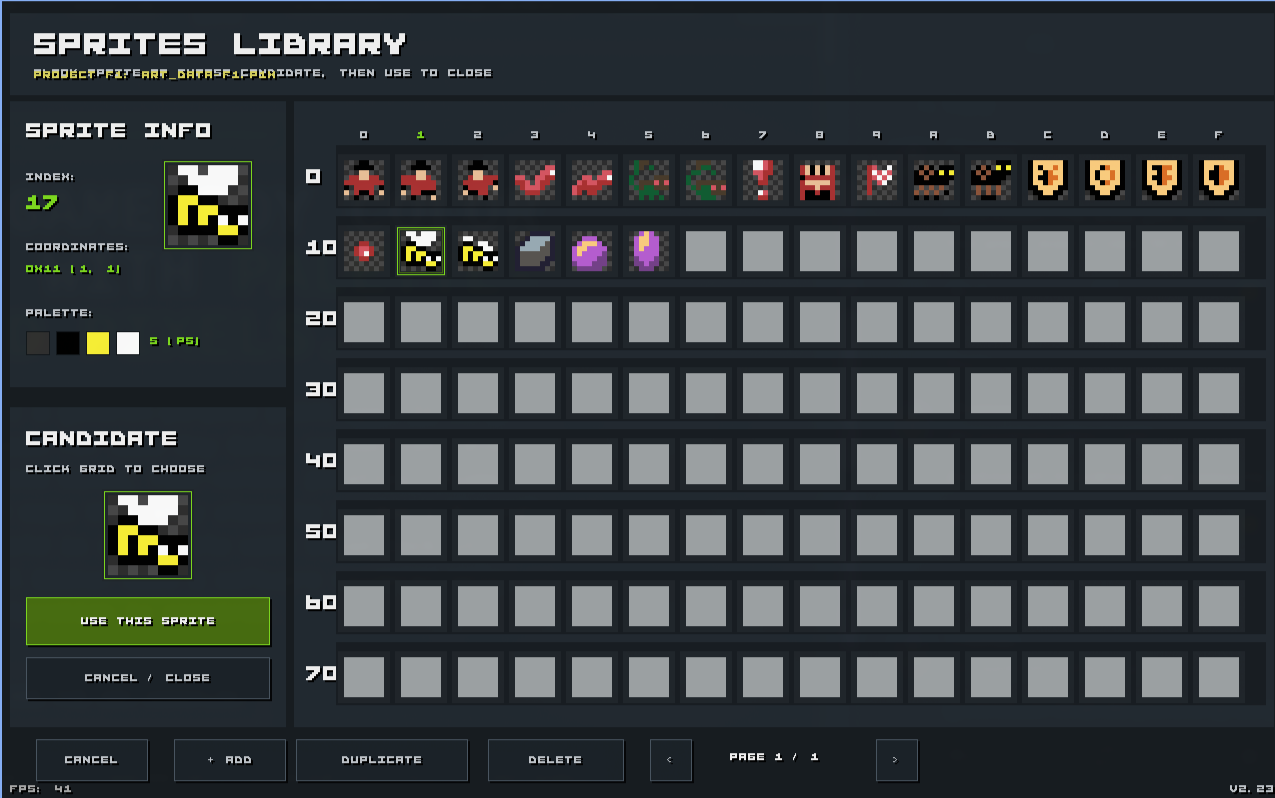
| Libraries |
Separate tile, sprite, and font libraries. Quick
3×3 slots for fast access while editing maps.
|
| Indexed colour |
Each pixel stores 0..3; each image references
one palette 0..7. Changing a palette colour
updates every pixel using it.
|
| Palette banks | Three dedicated palette/map banks for biome or level-set workflows. Two map slots per bank. |
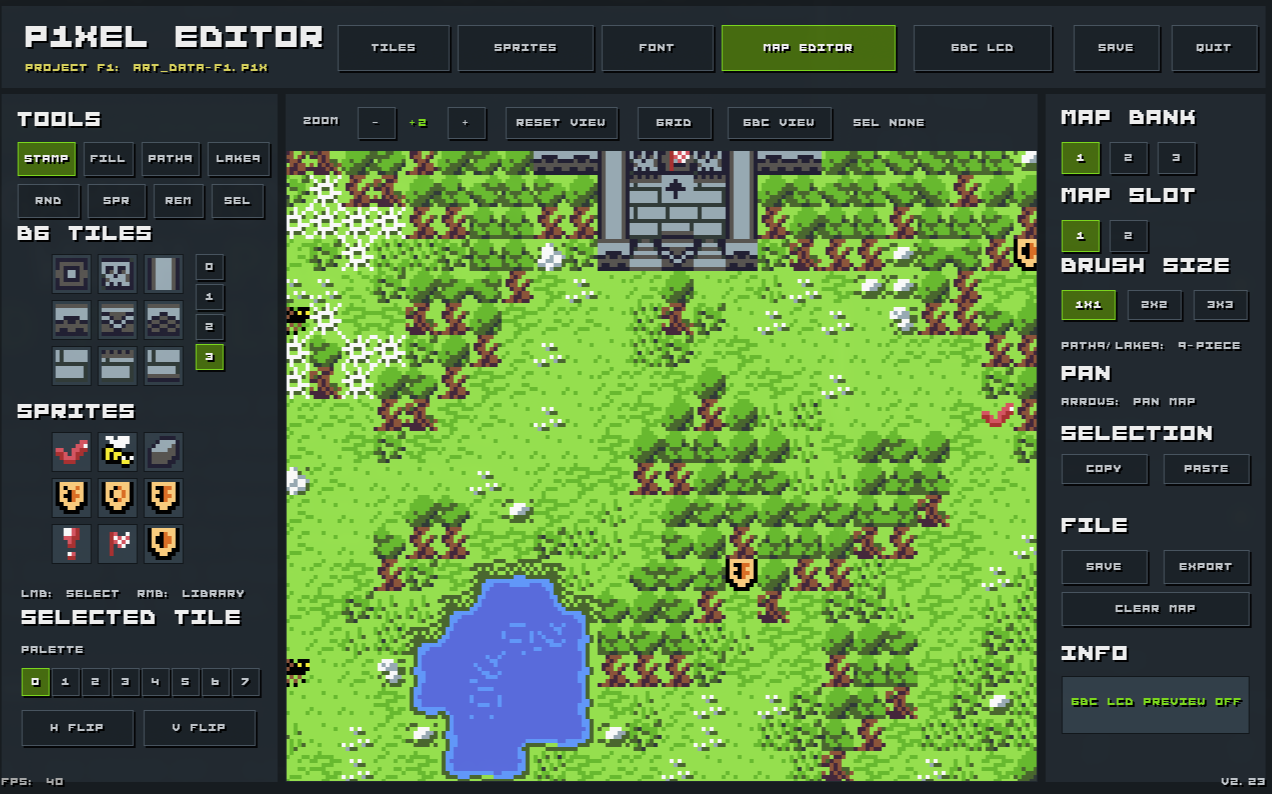
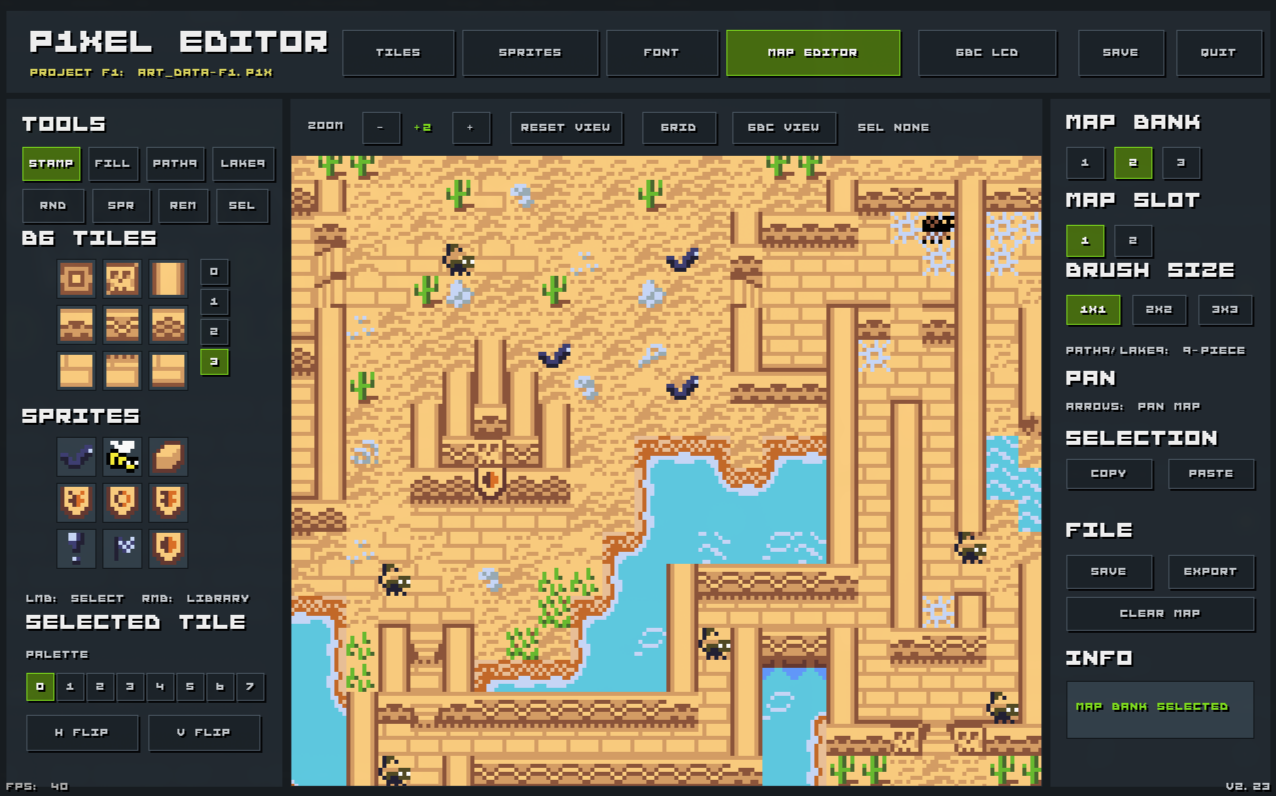
| Map editor |
Tile stamping, fill, random-row, PATH9/LAKE9
autotiling, sprite placement, per-cell palette & flip
attributes, selection copy/paste, zoom, pan, grid guides.
|
| GBC LCD simulation | Toggle to preview art closer to real GBC screen colours. |
| RGBDS export | Binary data blobs + generated assembly include. Ready-to-build preview ROM included. |
| Four project slots |
F1–F4, stored as
art_data-f1.p1x through
art_data-f4.p1x.
|
P1Xel Editor is made by Krzysztof Krystian Jankowski — krzysztofjankowski.com.
The shareware build is fully functional — same editor, same tools, same export. The only difference: a 5-second startup delay screen before you can edit.
Buying the full version removes that delay — the editor jumps straight to your project on every launch. No splash, no wait. Just pixels.
Buy full version — $5 on itch.io krzysztofjankowski.com
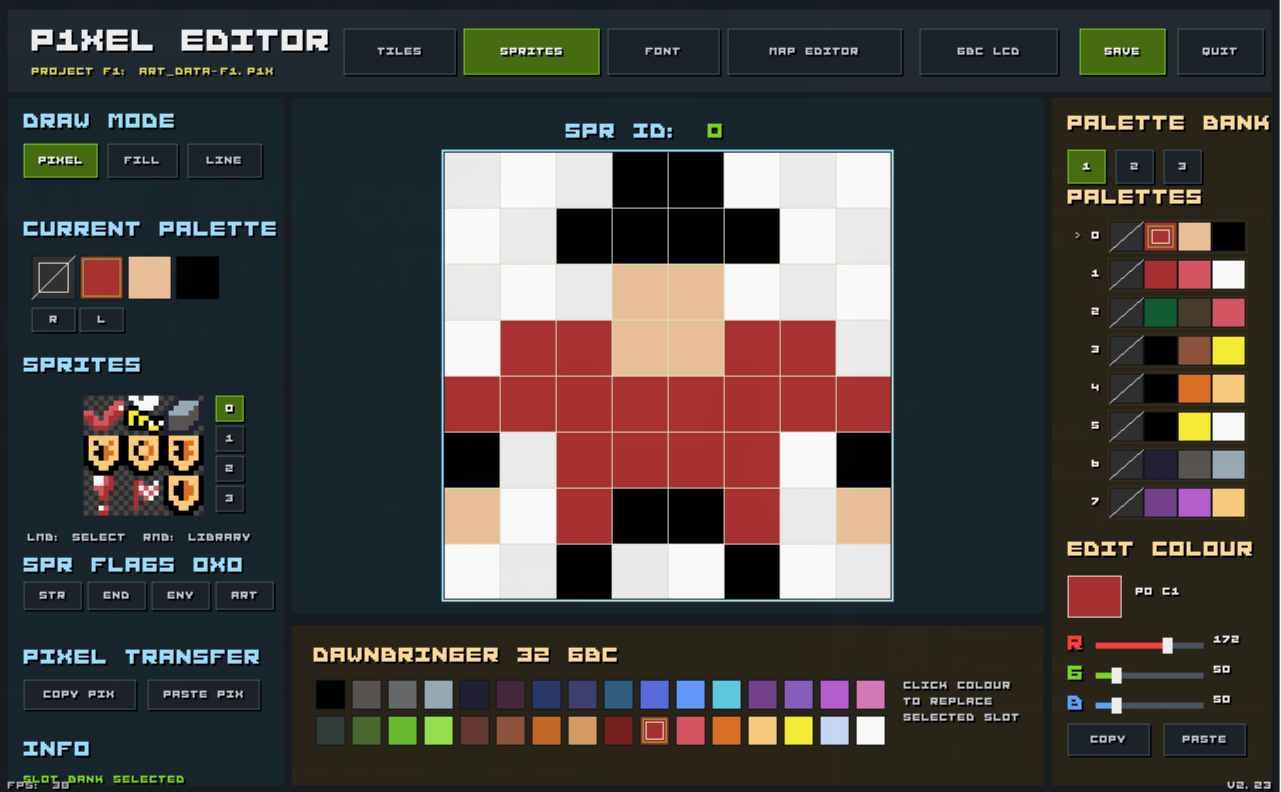
0 is transparent. Sprite flags are
abstract bits 0..7.
font.p1xb with glyph
tiles, attributes, and palette data.
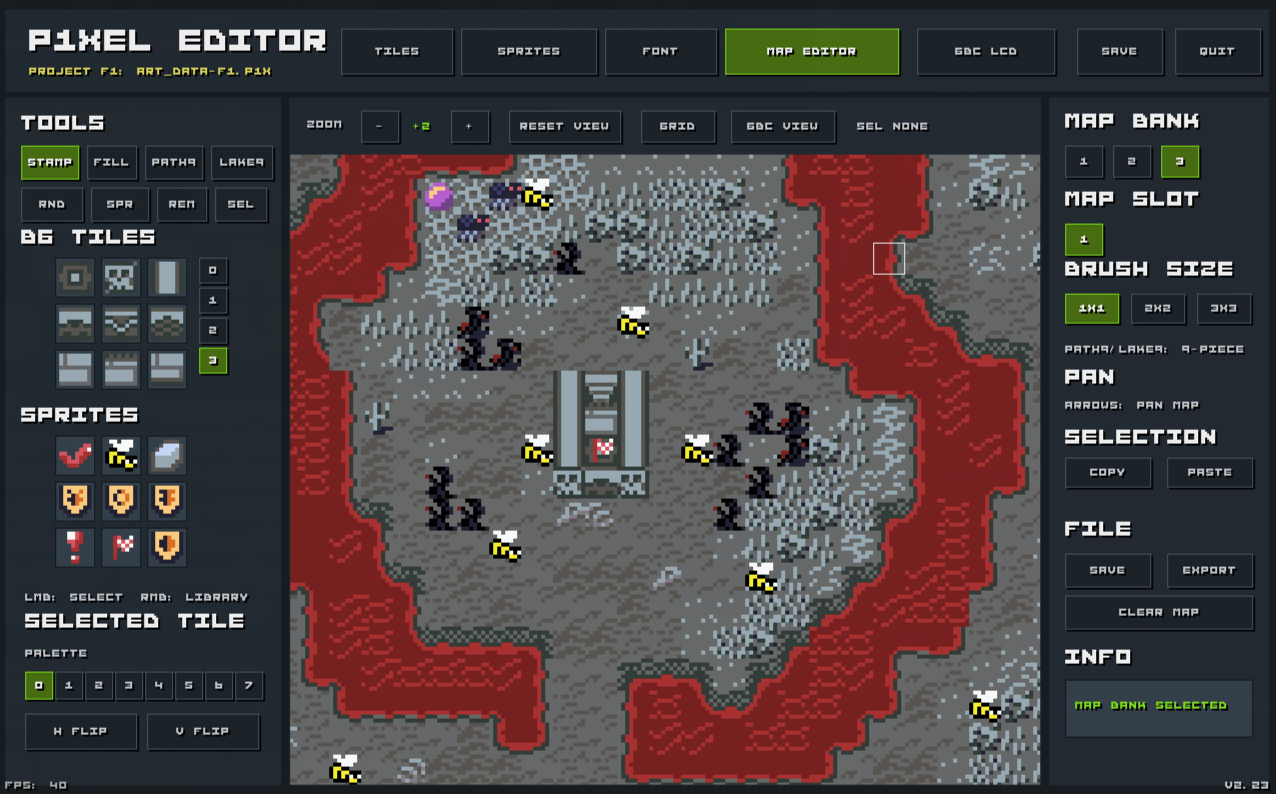
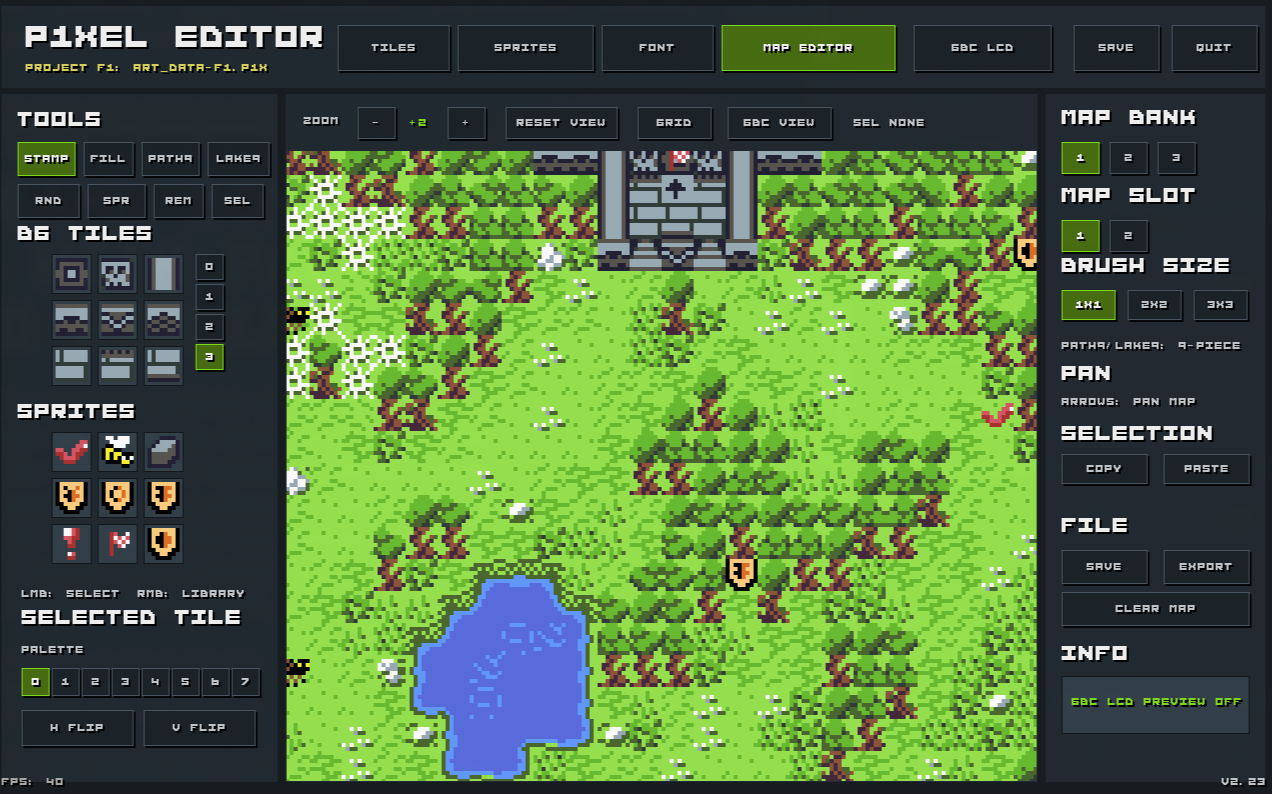
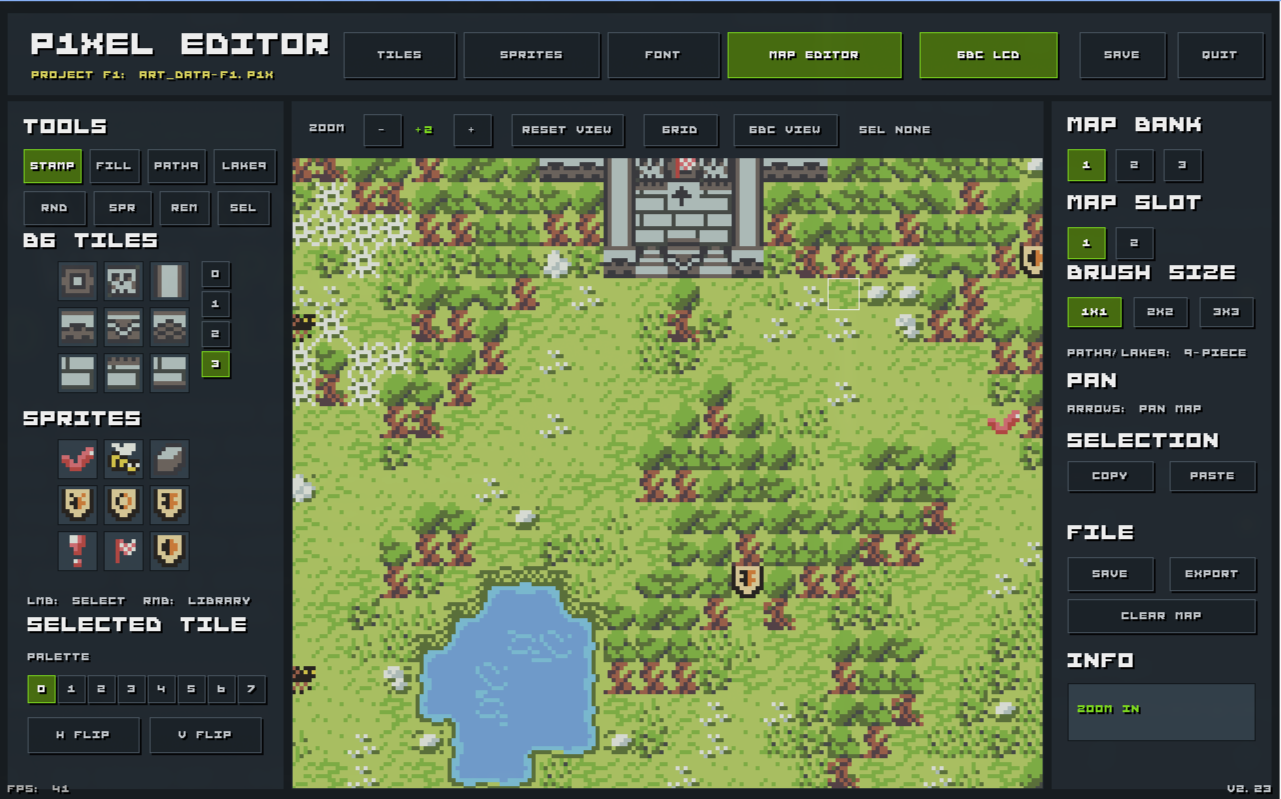
The simulation is a preview aid. Project files store normal RGB palette values; exports convert to GBC-compatible colour words.
Every tile, sprite, and font glyph stores pixel indices — not raw RGB.
Pixel value:      2
Image palette:    palette 4
Displayed colour: active palette bank, palette 4, colour slot 2
Changing a palette colour updates every visible pixel referencing that slot. Reuse the same art across biomes — just swap the palette bank.
| Map bank | Map slots | Palette bank | Typical use |
|---|---|---|---|
| 1 | 1–2 | 1 | First biome / area / level set. |
| 2 | 1–2 | 2 | Second biome / area / level set. |
| 3 | 1–2 | 3 | Third biome / area / level set. |
| STAMP | Paint the selected background tile. |
| FILL | Flood-fill connected cells. |
| PATH9 |
9-piece path/terrain autotile from active
3×3 quick-slots.
|
| LAKE9 | Inverted 9-piece lake/water autotile set. |
| RND | Random paint from a selected quick-slot row. |
| SPR | Place or update sprite instances. |
| REM | Remove sprite instances. |
| SEL | Select rectangular regions for copy/paste. |
Press EXPORT from the map editor. The editor writes:
| engine_export.p1xb | Binary blob: sprite palettes, compact OBJ tiles, per-level palettes, 2bpp BG tiles, compressed maps, attribute maps, logic maps, sprite placements. |
| font.p1xb | Font binary: glyph IDs, 2bpp glyph tiles, glyph palette attributes, font palette data. |
| SRC/p1xel_export.inc |
RGBDS assembly include with constants, offsets, labels,
descriptors, and INCBIN blocks.
|
EXAMPLE-GBC-PROJECT/ is a tiny RGBDS Game Boy Color ROM
that displays exported maps and sprites. Build it with
zig build after export.
| Image size | 8×8 pixels |
| Colours per palette | 4 |
| Palettes per bank | 8 |
| Palette banks | 3 |
| Map banks | 3 |
| Map slots per bank | 2 |
| Map size | 32×32 tiles |
| Max images per bank | 128 |
| Image banks | Tiles, Sprites, Font |
| Project slots | art_data-f1.p1x … art_data-f4.p1x |
| Window | 1280×800 fullscreen |
Requirements: Zig, X11 & ALSA dev libs (Linux).
rgbasm/rgblink/rgbfix for the
GBC preview project.
git clone https://github.com/w84death/p1xel-editor.git
cd p1xel-editor

zig build
zig build run

# Release builds
zig build release-linux
zig build release-windows
3×3 quick-slot banks for
map editing.
EXAMPLE-GBC-PROJECT/ to preview in a GBC ROM.
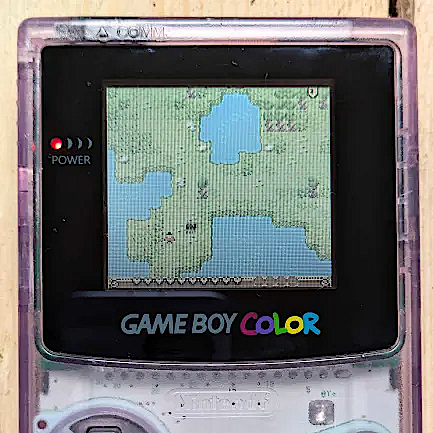
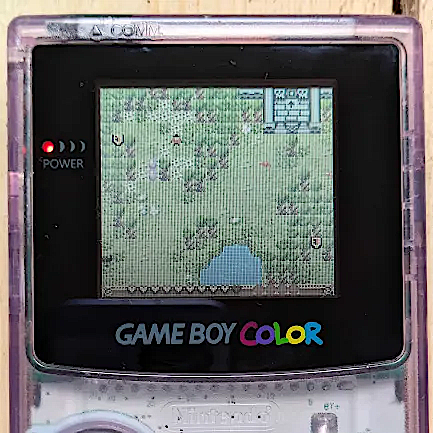
P1Xel Editor graphics power a real Game Boy Color game — Tomblands DX by P1X Studio. These maps were exported directly from the editor using the RGBDS pipeline.
Buy Tomblands DX ROM — on itch.io
© 2026 Krzysztof Krystian Jankowski · P1X · Cyfrowy Nomada